Ri Xu Online

Change the life in a geek way

  • Home
  • Coding
  • Cloud Native
  • Excelize
  • Aurora
  • TOML-to-Go
  • Rust Report Card
  • About
  • Blog Statement
  • Blogroll
  • Privacy Policy
  • Navigation

Media Center Sharing Setup for Sony Bravia X8000C Series

Ri Xu February 11, 2016 Life

Install Twonky Server on your computer, and setup via browser http://127.0.0.1:9000.
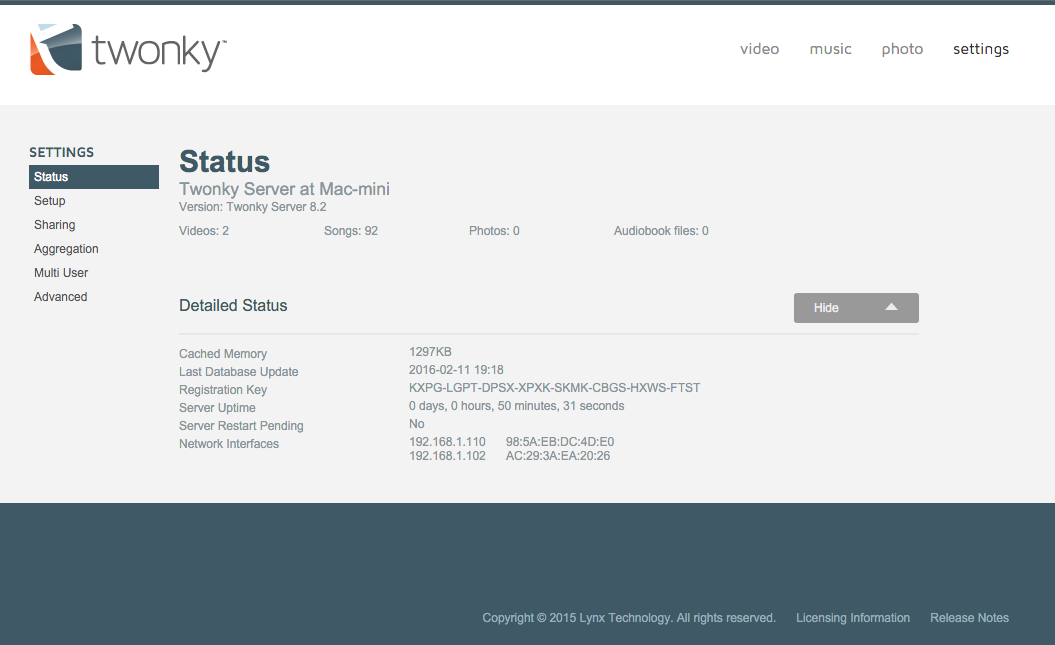
Media Center Sharing Setup for Sony Bravia X8000C Series

Connect media center on TV: Settings → Network & Accessories → Home network setup (Set up home network connections.) → Server diagnostics (Check for servers and view server status.) → Server results.
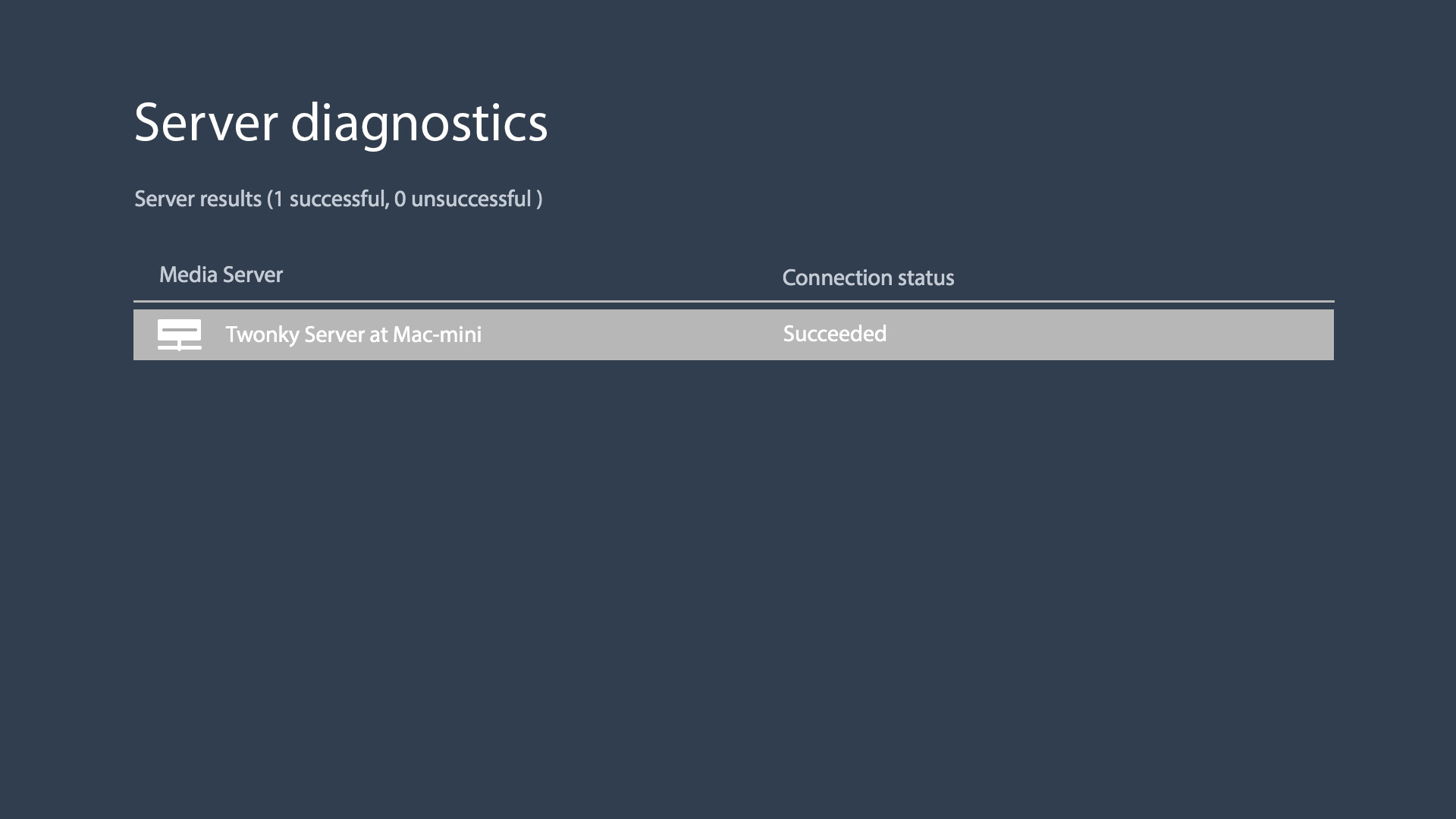
Media Center Sharing Setup for Sony Bravia X8000C Series

0.00 avg. rating (0% score) - 0 votes
Life
  • ← Using jsonb on PostgreSQL
  • Enable Certificate Transparency for HTTPS →

Categories

  • Apps
  • Books
  • Classical Music
  • Cloud Native
  • Coding
  • Kubernetes
  • Life
  • Linux
  • Mac
  • MCU
  • Programming Office
  • Security Related
  • Web
  • Windows

Archives

Tags

Algorithm Apache Apple Apps Banchmark Books CentOS Classical Music Cluster Coding Docker git Go Language Hadoop Homebrew IIS iOS Java Laravel Life Linux Mac MCU Memcached MySQL Nginx Octopress Oracle OS X PHP PostgreSQL Programming Office Python RAID Security Related Server ShadowSocks SSD SSL Ubuntu Vim Virtualization Web WebSocket Windows
Copyright © 2013 - 2026 Ri Xu Online All rights reserved.
Hosting on Azure